
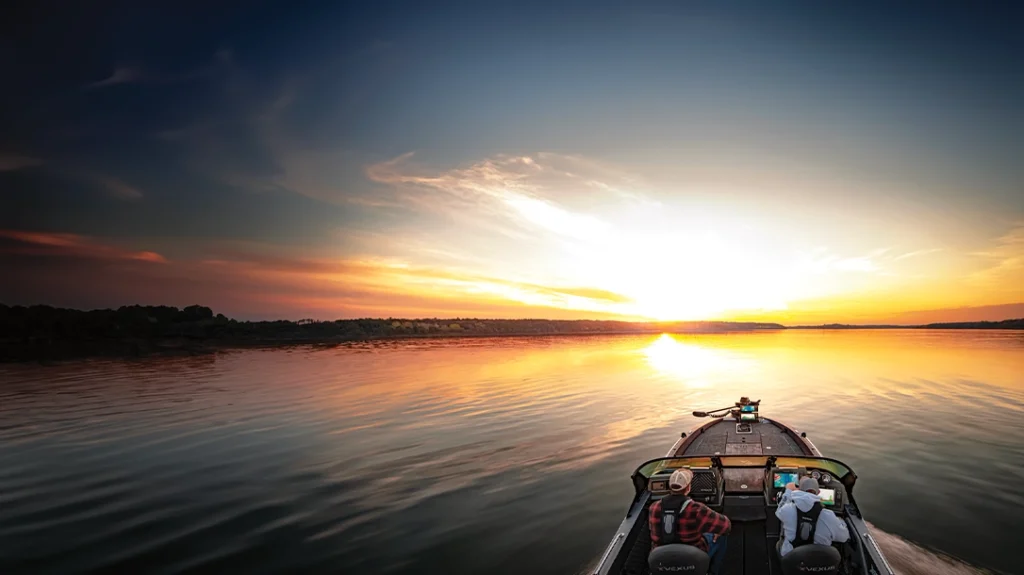
Boat control is one of those things every angler deals with, whether they realize it or not and it can take up more of your time then you may think. You can find the fish, have the right bait tied on, and know exactly how to fish it, but if you can’t keep the boat where it needs to be, it can get frustrating in a hurry. I’ve spent plenty of days fighting the wind, drifting off spots, and wasting time trying to get lined back up for the perfect cast only to drift off the X before I can execute. That’s just part of fishing. But after using the One-Boat Network setup with Humminbird units, a Minn Kota trolling motor, and shallow water anchors, it changed how I fish. It takes a lot of the hassle out of boat control and lets me spend more time doing what I came to do, fish.
What the One-Boat Network Really Is
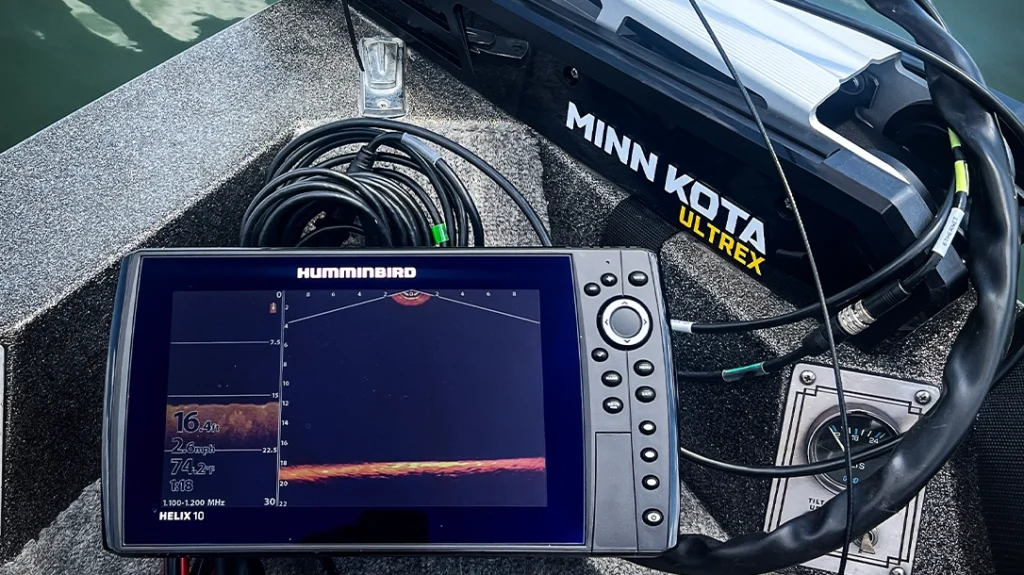
A lot of people hear the name and think it’s just another feature or sales pitch, but it’s actually a lot more than that. The One-Boat Network is everything working together in sync instead of separately. Your graphs talk to the trolling motor. The trolling motor can follow Lake master maps. Your waypoints and maps show up across all your graphs. Instead of running three or four different systems that don’t communicate, it all connects.
This is what makes it so useful. It’s not about having more buttons to push. It’s about making things easier while you’re on the water. Once everything is linked together, you stop wasting time messing with equipment and start focusing more on fishing.
Control From Wherever You’re At
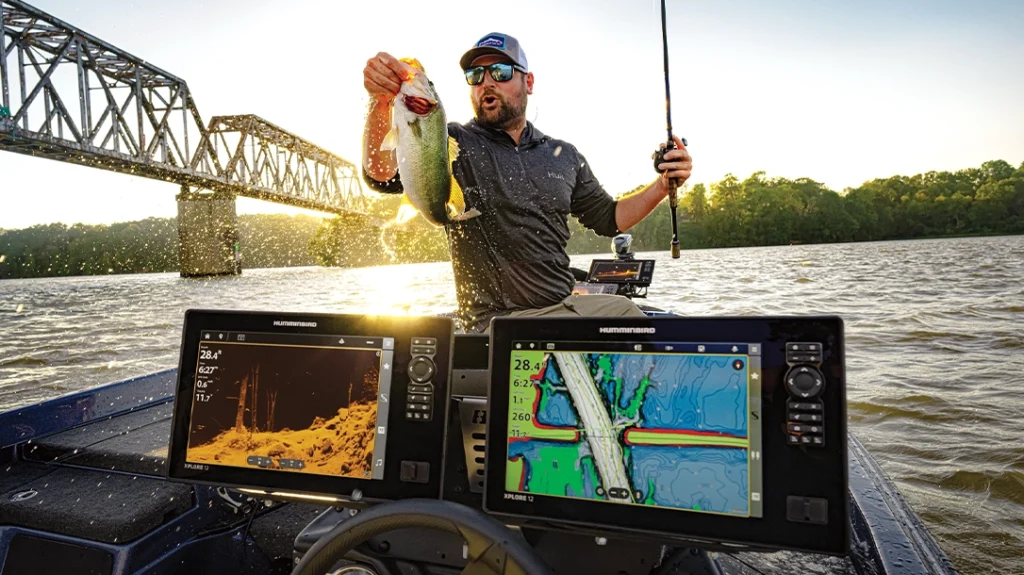
One thing I noticed right away was how nice it is being able to control things from different places in the boat. If I’m up front, I can run everything through the graph. If I’m at the console, I can still make adjustments. If I’ve got my hands full, I can use the remote or the app on my phone. That means marking fishing from anywhere, the ability to Spot-Lock on a brush pile from the back of the boat, or drop your talons from the console.
Advertisement — Continue Reading Below
That may not sound like much until you’ve actually used it, but it is. There are plenty of times you’re tying on a bait, digging in a compartment, netting a fish, or helping someone else in the boat and need to make a quick move. Before, you’d have to stop what you were doing and run back to the trolling motor pedal. Now you just handle it and keep going. Just the other day my daughter hooked up on a nice smallmouth, and I Spot-Locked us into place with my remote before we got pushed into the rocks while I helped her land the fish, it truly is a game changer.
Staying on Fish and Following the Right Path
This is where the setup really earns its keep. If I find fish on a brush pile, a school on a ledge, or mark something worth fishing, I can use Spot-Lock and stay right there. Hit the button and the trolling motor holds me in place. No drifting off. No constantly correcting. No wasting casts because the boat moved twenty feet while I wasn’t paying attention. The GPS anchoring holds me right where I need to be as I use my Mega live to fill the boat with crappie off a brush pile one by one.
The jog feature is something I use more than I thought I would too. Sometimes five feet is all you need. Maybe you want to slide closer, move off to one side, or line up at a better angle. Instead of resetting everything, you just jog the boat over and keep fishing.
Advertisement — Continue Reading Below
Contour following is another big one, especially offshore. If fish are set up on a break or depth change, I can have the trolling motor follow that contour line right off the graph or LakeMaster map. I set the speed, pick up the rod, and fish while the boat tracks where it needs to go. That means less steering and more casting, which is exactly how it should be. One of my favorite ways to use this feature is at my local reservoir. I will position myself to be about 35 feet from the bank on a contour line set my speed to two and pitch a jig or rattle trap up into the rocks bass fishing.
Sharing Data and Keeping It Simple
The connectivity function is more helpful than people think. If I idle over something at the console and drop a waypoint, it’s already on the bow unit when I get up there. No re-entering anything. No trying to remember exactly where it was. It’s just there. Same with maps. My LakeMaster mapping is available across units, so wherever I’m standing, I have the same information in front of me.
The One-Boat Network app is useful too. I can update units, check software, look at diagnostics, and control connected gear right from my phone. That’s the kind of stuff you don’t think about until something needs updated or isn’t working right. Then you’re glad it’s there.
Why it Matters On the Water
At the end of the day, none of this catches fish for you. You still have to locate them, make the right cast, and figure out what they want. But having your boat where it needs to be matters more than people think. The One-Boat Network helps with that in a big way. It keeps you on fish, keeps you efficient, and cuts down on the little frustrations that eat up fishing time. For me, that’s the biggest value. Less messing around with the boat, more time with a rod in my hand. Once you get used to fishing like that, it’s hard to go back.
Advertisement — Continue Reading Below
WHY OUR ARTICLES/REVIEWS DO NOT HAVE AFFILIATE LINKS
Affiliate links create a financial incentive for writers to promote certain products, which can lead to biased recommendations. This blurs the line between genuine advice and marketing, reducing trust in the content.

